
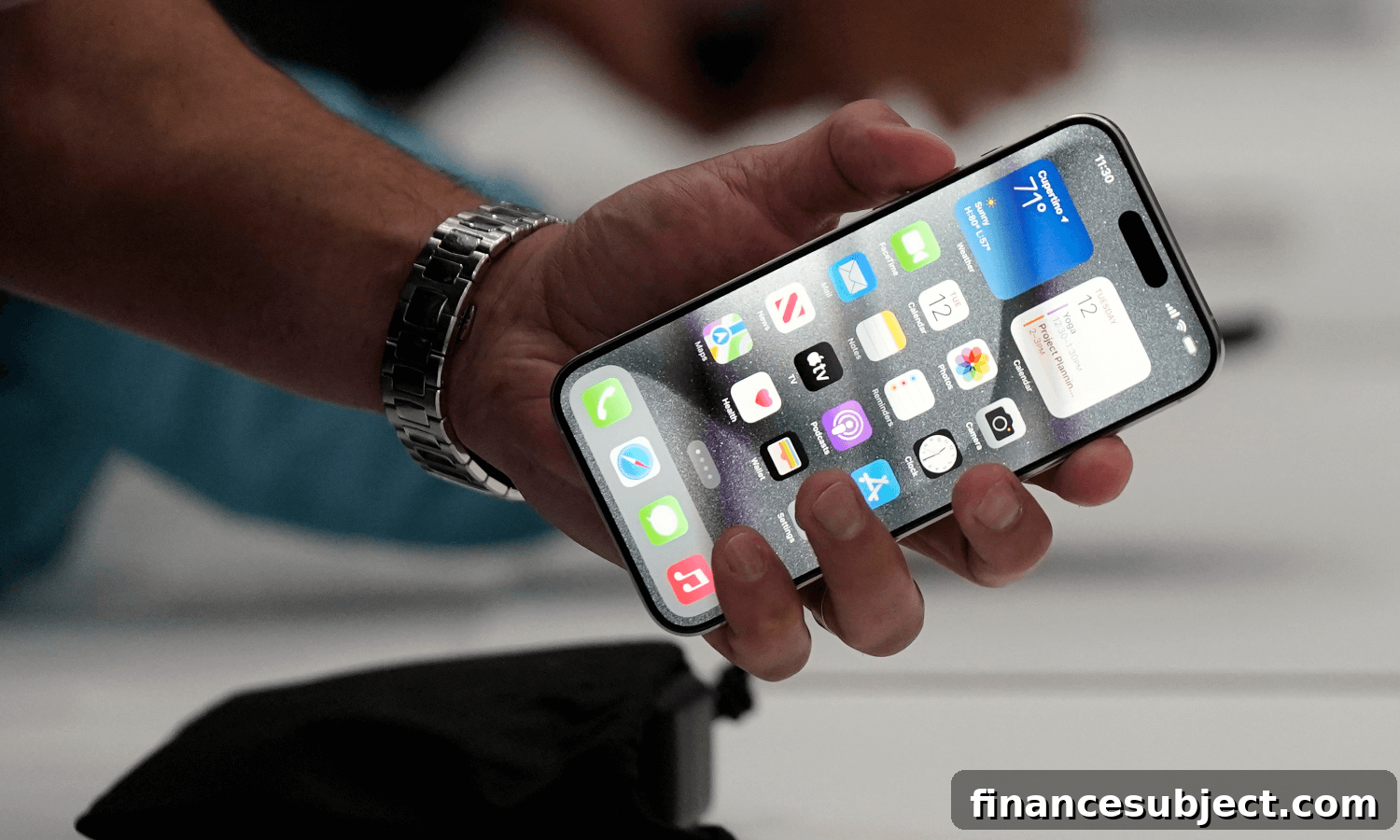
If you want your new iPhone or Android phone to last as long as possible, it pays to take care of it. With most people holding on to devices for longer than they used to, simple maintenance and smart habits can extend a phone’s life by several years.
Many factors have contributed to longer phone ownership. Smartphones are more durable today, component improvements have become incremental rather than revolutionary, and carrier upgrade cycles and pricing models have shifted. There’s also a growing focus on reducing electronic waste, which encourages people to keep working devices in use rather than replacing them prematurely.
Featured credit cards
Tangerine Rewards World Elite Mastercard
GO TO SITE
SimplyCash Preferred Card from American Express
GO TO SITE
MBNA True Line Mastercard credit card
GO TO SITE
How to keep your mobile phone in good condition
“As long as you take care of your phone and keep it updated, you’re going to get at least four or five good years of use out of it,” said Chris Hauk of Pixel Privacy. Some users report keeping phones functioning well for seven years or more when they follow careful maintenance practices.
If you invested over $1,000 in a device, you’ll want to protect that investment. Below are practical, easy-to-follow tips to extend the life of your iPhone or Android smartphone.
Battery care
The battery is often the limiting factor in a phone’s useful life. Modern phones use lithium-ion batteries, and their effective capacity declines over time depending on temperature exposure, charging habits and how often the battery cycles between full and empty.
Avoid keeping the battery at extreme charge levels for long periods. Charging optimization features offered by many manufacturers learn your routine and limit full charges when possible, which helps slow chemical aging. Leaving a phone plugged in overnight occasionally is generally safe thanks to these optimizations, but consistently keeping a battery at 100% or letting it discharge completely can accelerate wear.
To preserve battery health, avoid letting the charge drop to zero regularly, and try to keep the battery level in a moderate range—neither constantly full nor frequently empty.
Avoid extreme temperatures
Heat is especially damaging to batteries and can permanently reduce capacity. Do not charge or use your phone in very hot environments (above about 35°C / 95°F). Likewise, very cold conditions can temporarily reduce battery performance and, in some cases, cause long-term harm.
Don’t leave your phone in a hot car or in direct sunlight for long periods. Equally, do not place phones in freezers or other extreme temperature environments in hopes of preserving battery life—that can cause permanent damage.
Adjust your power options
Small software adjustments can significantly reduce daily power drain and extend battery cycles. Lower your screen brightness or enable auto-brightness, use a dark theme if available, and shorten the interval before the screen goes to sleep. Review battery usage in settings to find any apps that consume disproportionate power and consider disabling background activity for those apps.
Use battery-saving modes when needed. iPhones offer Low Power Mode and many Android phones have power-saving settings that limit background processes, restrict location services and reduce visual effects. You can also disable Bluetooth or Wi-Fi when you’re not using them to avoid needless battery use, though modern systems minimize power draw from idle wireless radios.
Use protection
A protective case and a quality screen protector significantly reduce the chance of damage from drops and impacts. Cases that absorb shock and raised edges to protect the screen help prevent costly repairs. For screen protection, tempered glass covers provide strong scratch and drop resistance compared with inexpensive plastic options.
Keep your device clean
Dirt, lint and dust can accumulate in ports, speaker grilles and charging connectors. Clean ports gently with a toothpick or soft brush—work carefully and avoid pushing debris deeper into openings. Use a soft toothbrush or compressed air at low pressure to clear speaker and microphone grilles, and wipe screens with a microfiber cloth to remove fingerprints and oils.
Update your device
Software updates bring security patches, performance improvements and battery management enhancements, so keeping your operating system and apps current is important. Many manufacturers are offering longer update support for recent phones, which helps older devices remain safe and efficient for longer.
Regular updates, combined with sensible hardware care, can keep a smartphone useful and secure for many years, delaying the need to replace it unnecessarily.
Newsletter
Get free MoneySense financial tips, news & advice in your inbox.
More about shopping:
- The best travel credit cards in Canada
- Why the cost of hearing aids can be high in Canada
- Is it a good time to buy a new car?
- Comparing buy now, pay later programs: Are installment plans a budget win or finance fail?