
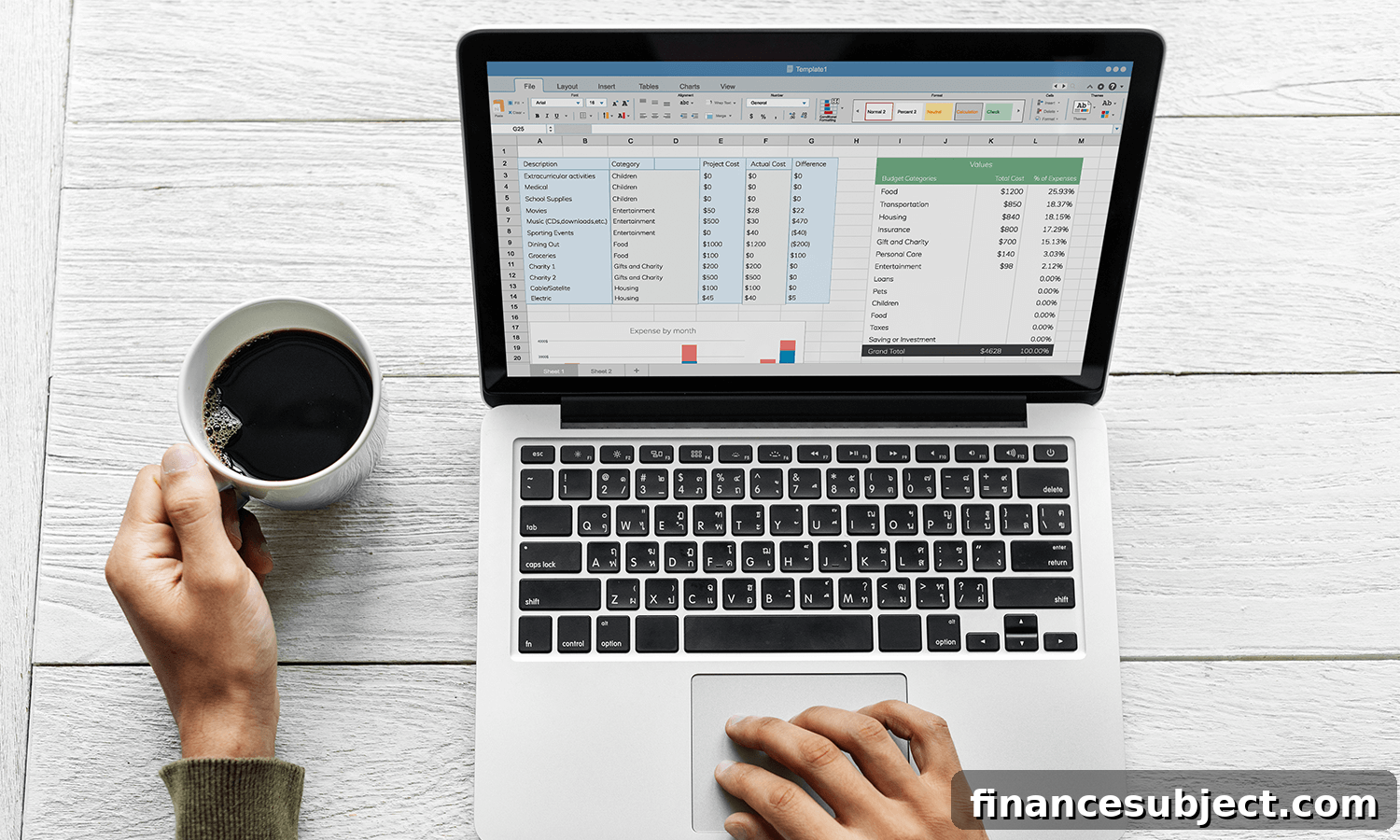
Download:
Instructions:
- Click the download link or the image above to save the Excel spreadsheet to your device.
- Open the file in Excel or a compatible spreadsheet program. Enter your household and personal income and expenses into the columns labeled “Planned” and “Actual.” Use the spreadsheet’s Insert or Delete row functions to add or remove expense lines as needed. The built-in totals and balance calculations will update automatically, provided you do not remove the subtotal rows that the formulas rely on.
- If you add new categories or rearrange major sections, check the formula in the “Budget balance” area and adjust it to include any new rows or subtotals so totals remain accurate.
Note: This budget template spreadsheet was updated on Jan. 3, 2024.
This downloadable monthly budget spreadsheet is designed to be simple and flexible enough for most households. It separates planned amounts (what you expect to spend or receive) from actual amounts (what you really spent or earned). That difference gives you a clear view of where your money is going and where you can make adjustments.
How to get the most from the template
Start by listing fixed monthly expenses—rent or mortgage, utilities, insurance, loan payments—under a dedicated section so they’re easy to track. Then add variable categories such as groceries, transportation, entertainment, and personal care. Include a line for savings contributions, emergency fund deposits, and irregular or annual bills (pro-rated monthly) so those costs don’t catch you off guard.
Use the “Planned” column to set realistic targets based on past bank and credit card statements. Enter actual amounts daily or weekly into the “Actual” column so you can catch overspending early. At the end of the month, compare planned versus actual totals to see where you met goals and where you exceeded expectations.
Budgeting tips and best practices
- Review your budget monthly. Tighten or relax planned amounts based on actual spending trends to keep the plan practical and sustainable.
- Prioritize savings by treating them as a fixed expense. Pay yourself first by allocating a portion of income to savings immediately after you receive pay.
- Track irregular expenses by creating a separate category and saving a small monthly amount toward the annual bill (for example, insurance premiums or property taxes).
- Keep receipts or use transaction exports from your bank to enter accurate actuals. This improves forecasting and highlights recurring overspending categories.
- Avoid deleting subtotal rows. Those rows drive the balance and total formulas; removing them will break automatic calculations and require manual fixes.
Common mistakes to avoid
One frequent error is overestimating how much discretionary spending will decrease. Be realistic with planned amounts and allow a small buffer for unexpected purchases. Another mistake is failing to update formulas after adding categories—always confirm totals after editing structure. Finally, do not neglect income tracking: if your income varies month to month, use a conservative estimate for planning and allocate surplus toward debt repayment or savings.
More on budgeting:
- How to create a monthly budget: A step-by-step guide for Canadians
- Debt demystified: How to calculate your debt
- How Canadians can save money on gas, groceries, cellphone and other household bills
- How to calculate your debt-to-income ratio—and why it matters
Using a structured spreadsheet like this one helps you make informed financial choices, reduce money-related stress, and build a plan to reach short- and long-term goals. Regular tracking and small, consistent adjustments are the keys to a healthier household budget.